IO流复习

IO流复习

字节流

<1>字节输出流【FileOutputStream】

1
2
3
4
5
6
7
8
9
10
11
12
13
14
15
16
17
18
19
20
21
22
23
24
25
26
27
28
29
30
31
32
33
34
35
package com.liu;
import java.io.FileOutputStream;
public class IO{
public static void main(String[] args) {
/*
如何使用字节输出流:FileOutputStream
1.new 一个字节输出流
2.使用write方法从程序中写入硬盘中
3.关闭流资源
*/
try {
FileOutputStream fos = new FileOutputStream("b.txt");
//一次写一个字节
fos.write(97);
//一次写多个字节的方法:
byte[] bytes={65,66,67,78,69};
fos.write(bytes);
/*
重点:将字节数组的一部分写入到文件中
write(byte[] b,int off,int len)
*/
fos.write(bytes,0,5);
/*
写入字符串的方法:
使用String类的方法:getBytes()
*/
byte[] bytes1 = "你好呀".getBytes();
fos.write(bytes1);

fos.close();
} catch (Exception e) {
e.printStackTrace();
}
}
}

<2>字节输入流【FileInputStream】

1
2
3
4
5
6
7
8
9
10
11
12
13
14
15
16
17
18
19
20
21
22
23
24
25
26
27
28
29
30
31
32
package com.liu;

import java.io.File;
import java.io.FileInputStream;
import java.io.FileNotFoundException;
import java.io.IOException;

public class InputStream {
public static void main(String[] args) {
try {
FileInputStream fis = new FileInputStream("b.txt");
//一次读取一个字节
int len=fis.read();
System.out.println(len);
//读取多个字节
byte[] bytes=new byte[1024];
int len1 = fis.read(bytes);
System.out.println(new String(bytes,0,len1));
//***读取文件所有的字节,重点***
byte[] bytes1=new byte[1024];
int len2=0;
while((len2=fis.read(bytes1))!=-1){
System.out.println(new String(bytes1,0,len2));
}
fis.close();
} catch (FileNotFoundException e) {
e.printStackTrace();
} catch (IOException e) {
e.printStackTrace();
}
}
}

<3>使用字节输入流和字节输出流进行文件复制

1
2
3
4
5
6
7
8
9
10
11
12
13
14
15
16
17
18
19
20
21
22
23
24
25
26
package com.liu;

import java.io.FileInputStream;
import java.io.FileNotFoundException;
import java.io.FileOutputStream;
import java.io.IOException;

public class 文件复制 {
public static void main(String[] args) {
try {
FileInputStream fis = new FileInputStream("1.png");
FileOutputStream fos = new FileOutputStream("2.png");
byte[] bytes=new byte[1024];
int len=0;
while ((len=fis.read(bytes))!=-1){
fos.write(bytes,0,len);
}
fos.close();
fis.close();
} catch (FileNotFoundException e) {
e.printStackTrace();
} catch (IOException e) {
e.printStackTrace();
}
}
}

字符流

当使用字节流读取文本文件时,可能会有一个小问题。就是遇到中文字符时,可能不会显示完整的字符,那是因为一个中文字符可能占用多个字节存储。所以Java提供一些字符流类,以字符为单位读写数据,专门用于处理文本文件。

<1>字符输入流【FileReader】

1
2
3
4
5
6
7
8
9
10
11
12
13
14
15
16
17
18
19
20
21
22
23
package com.liu.字符流;

import java.io.FileNotFoundException;
import java.io.FileReader;
import java.io.IOException;

public class Fileread {
public static void main(String[] args) {
try {
FileReader reader = new FileReader("b.txt");
char[] chars=new char[1024];
int len=0;
while((len=reader.read(chars))!=-1){
System.out.println(new String(chars,0,len));
}
reader.close();
} catch (FileNotFoundException e) {
e.printStackTrace();
} catch (IOException e) {
e.printStackTrace();
}
}
}

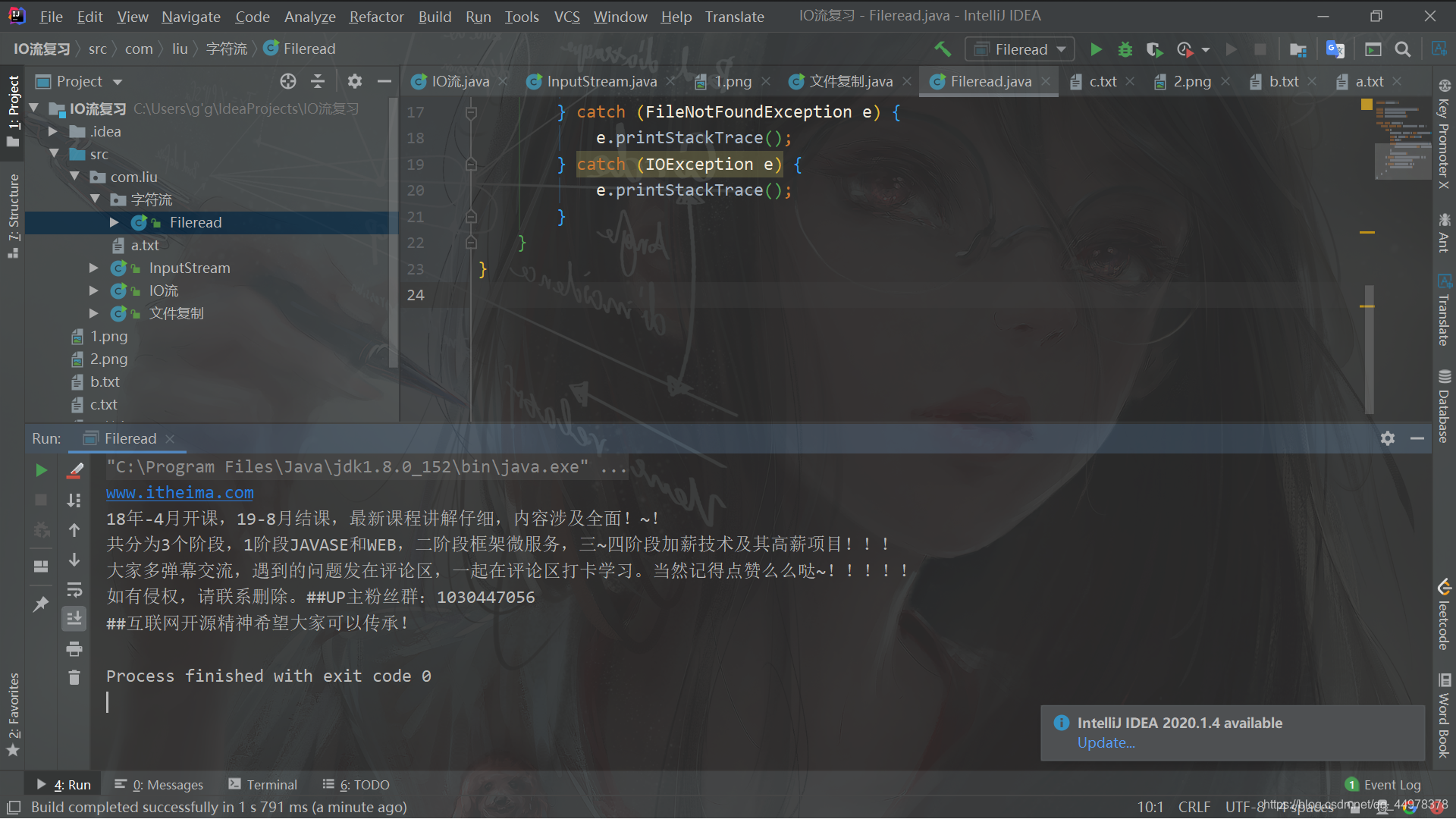
在这里插入图片描述

<2>字符输出流【FileWriter】

1
2
3
4
5
6
7
8
9
10
11
12
13
14
15
16
17
18
19
package com.liu.字符流;

import java.io.FileNotFoundException;
import java.io.FileWriter;
import java.io.IOException;

public class Fileread {
public static void main(String[] args) {
try {
FileWriter fw = new FileWriter("d.txt");
fw.write("加油哦~");
fw.close();
} catch (FileNotFoundException e) {
e.printStackTrace();
} catch (IOException e) {
e.printStackTrace();
}
}
}

<3>文件复制

1
2
3
4
5
6
7
8
9
10
11
12
13
14
15
16
17
18
19
20
21
22
23
24
25
26
package com.liu.字符流;

import java.io.FileNotFoundException;
import java.io.FileReader;
import java.io.FileWriter;
import java.io.IOException;

public class Fileread {
public static void main(String[] args) {
try {
FileReader reader = new FileReader("b.txt");
FileWriter fw = new FileWriter("c.txt");
char[] chars=new char[1024];
int len=0;
while((len=reader.read(chars))!=-1){
fw.write(chars,0,len);
}
fw.close();
reader.close();
} catch (FileNotFoundException e) {
e.printStackTrace();
} catch (IOException e) {
e.printStackTrace();
}
}
}
点击查看
-------------------本文结束 感谢您的阅读-------------------